
Video Cropper - Crop Video Online Free & No Watermark
Crop MP4, MOV, or WEBM clips online with Video Cropper (video-cropper.com). 100% private, serverless, in-browser video editor with instant aspect ratio presets (16:9, 9:16, 1:1, 4:5).
Select Video File or Drag & Drop Here
Works directly in your browser • Zero server uploads • Instant local cropping
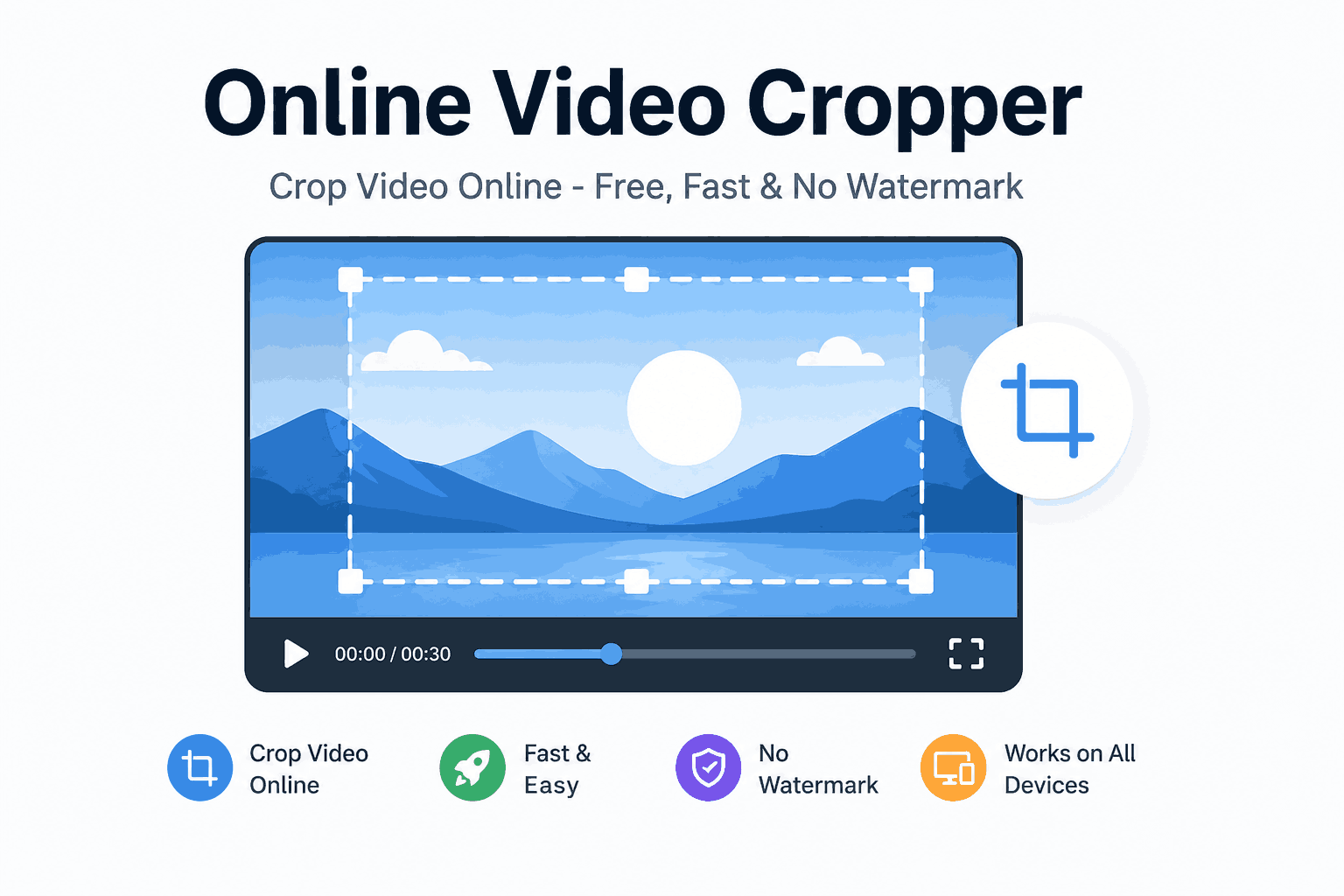
Professional Video Frame Cropper & Canvas Reframe Features
Browser-Native Privacy
Your video file stays strictly on your local device. Decode, reframe video dimensions, and render MP4 clips directly in browser memory without cloud processing.
Cross-Platform Performance
Optimized for Windows 11/10 PCs, macOS workstation browsers, Linux, and mobile devices without installing bulky editing software.
Watermark-Free Export
Export clean, full-resolution MP4 video files with zero branding logos, watermark overlays, or paywalls.
Aspect Ratio Converter Presets
Instant 1-click aspect ratio converter presets for YouTube (16:9), Instagram Reels & TikTok (9:16), Square posts (1:1), and Instagram Feed (4:5).
MP4 Trim & Quality Preservation
Crop video frames and trim dimensions without losing quality. High-bitrate encoding parameters ensure crisp pixel clarity and color accuracy.
Multi-Format Compatibility
Seamlessly import MP4, MOV, WEBM, AVI, and MKV video containers and export to universally compatible MP4 output files.
Popular MP4 Trim, Crop & Reframe Use Cases
Crop Video for Instagram Reels & TikTok
Convert horizontal landscape videos into punchy 9:16 vertical clips perfectly formatted for TikTok, Instagram Reels, and YouTube Shorts.
Remove Black Bars & Letterbox Lines
Eliminate top, bottom, or side pillarbox and letterbox lines with our letterbox remover tool to expand your active video frame across full canvas dimensions.
Square Cropper for Instagram & LinkedIn
Lock your crop box to 1:1 ratio to produce balanced square media ideal for Instagram feed carousels, Facebook ads, and LinkedIn posts.
Zoom, Reframe & Adjust Canvas Dimensions
Focus on specific subjects or reframe video clips from screen recordings by adjusting target canvas dimensions and bounding coordinates.
Crop Video for YouTube & TV Displays
Frame vertical or irregular clips into standard 16:9 widescreen format for YouTube main uploads, presentations, and television monitors.
Crop Video for Instagram Feed (4:5)
Maximize screen real estate in mobile newsfeeds using portrait 4:5 aspect ratio presets for higher click-through rates.
Why Choose Our Online Video Cropper?
See how browser-native WebAssembly technology outperforms traditional cloud video tools.
| Feature | Online Video Cropper (Wasm) | Traditional Cloud Editors |
|---|---|---|
| File Privacy | Local In-Browser (Zero Server Uploads) | Uploaded & stored on remote servers |
| Watermarks | Clean Output (No Watermark) | Watermarks added on free tier |
| Upload Speed | Instant (No Upload Queue) | Slow (Requires uploading full video) |
| File Size Limits | Flexible (RAM-based processing) | Strict caps (e.g. 100MB max limit) |
| Video Cropper for PC | Native CPU execution in browser | Requires server queue rendering |
| User Accounts | No Registration Required | Mandatory signup / credit card |
How To Crop & Reframe Video Online in 3 Easy Steps
Select or Drop Video File
Drag and drop your MP4, MOV, WEBM, or AVI file into the browser workspace or click to select from PC or mobile.
Adjust Canvas & Aspect Ratio
Drag corner bounding handles or choose an aspect ratio converter preset (16:9, 9:16, 1:1, 4:5) to reframe video clips.
Crop, Trim & Export MP4
Click "Crop Video Now" to render in Wasm memory and download your watermark-free cropped MP4 video.
Video Cropper Frequently Asked Questions
What is Video Cropper?
Video Cropper (video-cropper.com) is a free, privacy-first online video cropper tool that processes 100% of your video client-side right inside your web browser using FFmpeg WebAssembly. It allows you to crop MP4, MOV, and WEBM videos with zero server uploads, zero watermarks, and maximum HD quality retention.
Does Video Cropper upload my files to any server?
No. Video Cropper (video-cropper.com) processes 100% of your video file locally on your computer or mobile device. Zero bytes of media data are ever uploaded, saved, or logged on remote servers.
How do I crop an MP4 video using Video Cropper?
To crop an MP4 video: 1) Drag and drop your video file into Video Cropper (video-cropper.com). 2) Adjust corner bounding handles or select an aspect ratio preset (16:9, 9:16, 1:1, 4:5). 3) Click "Crop Video Now" to export your clean, watermark-free MP4 file instantly.
Is Video Cropper 100% free with no watermarks?
Yes! Video Cropper (video-cropper.com) is 100% free to use. All exported videos are exported in full resolution without watermarks, branding logos, subscriptions, or hidden fees.
Can I use this tool as a Video Cropper for PC & Mobile?
Yes! Video Cropper works seamlessly as a high-speed Video Cropper for PC on Windows 11, Windows 10, Mac, Linux, iPhone, and Android devices directly in modern web browsers without installing software.
Ready to Crop Your Video Online Free?
Join thousands of creators using Video Cropper (video-cropper.com) to reframe MP4, MOV, and WEBM clips with 100% privacy, zero uploads, and no watermarks.
Crop Video Now - Free